
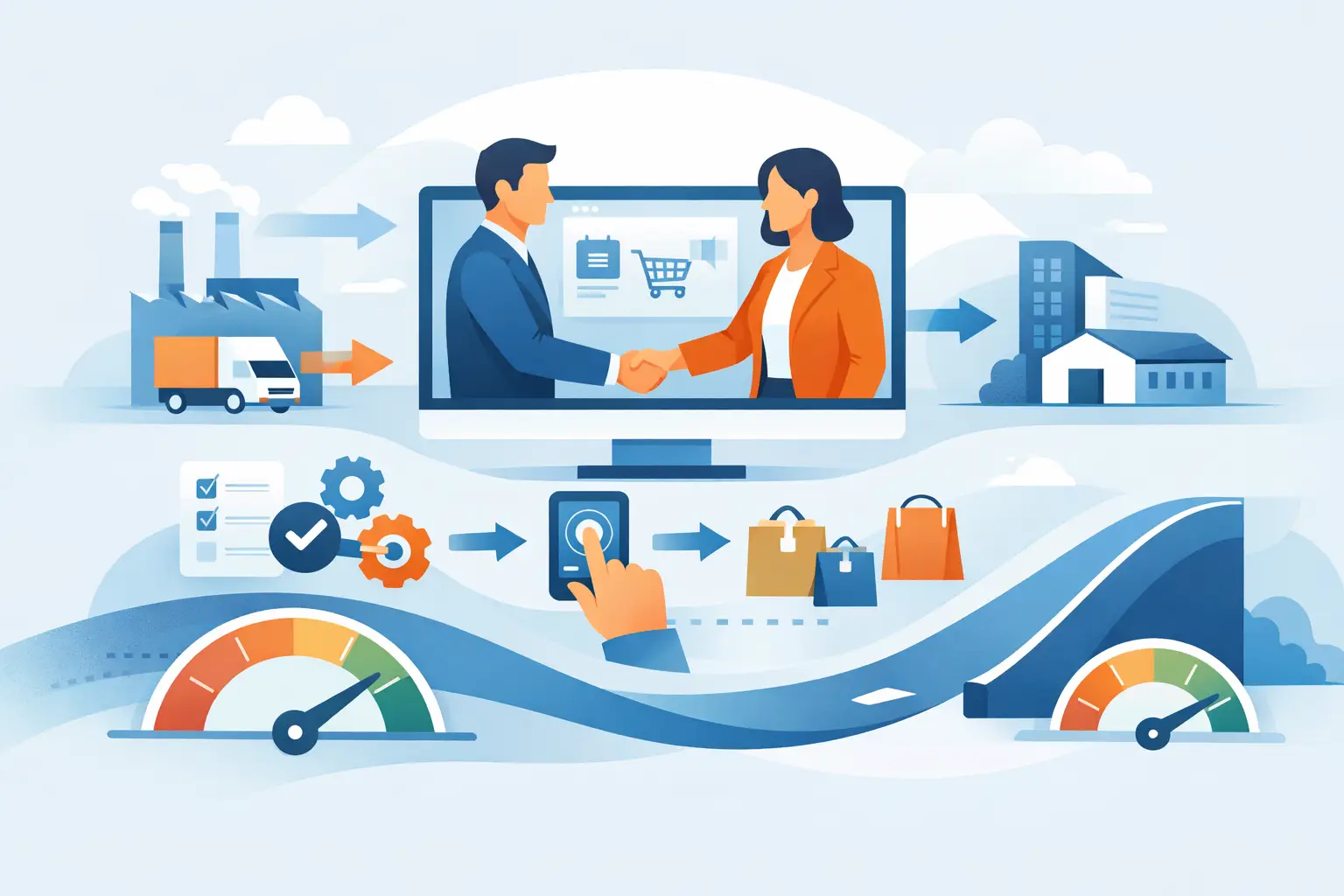
A buyer should not need three emails, a spreadsheet, and a call to place a repeat order. Yet that is still how many B2B relationships operate. B2B portal development replaces that manual drag with a controlled digital workspace where customers, partners, and internal teams can transact, find information, and resolve routine work on their own.
The value is not a prettier login screen. A portal becomes valuable when it reflects the commercial rules, account structures, and operational realities that make a business hard to run through a public website or a shared inbox.
Start With the Workflow, Not the Portal
The first question is not which framework to use. It is which repeated interactions create cost, delay, or preventable mistakes.
For a distributor, that may be account-specific pricing, inventory visibility, and order history. For a manufacturer, it may be product documentation, warranty registration, service requests, and dealer access. For a SaaS provider serving enterprise accounts, it may be user administration, invoices, provisioning status, and support case management.
These use cases look similar from a distance, but their data and approval paths can be very different. A portal that treats every customer as an individual consumer will fail when one account has multiple locations, cost centers, buyers, approvers, and billing contacts.
A useful discovery phase maps the current path for a real transaction: who initiates it, what information they need, what systems hold that information, where approvals occur, and where people leave the process to send an email. That last point often reveals the highest-value work. If users consistently abandon a digital flow to ask a person for help, the portal is missing context, authority, or trustworthy data.
What B2B Portal Development Must Handle
Consumer experiences optimize for speed to checkout. B2B experiences must balance speed with account rules. That distinction changes the architecture.
Account hierarchies and permissions
Most B2B organizations do not sell to a single person. They sell to a company with roles. One user may create an order, another may approve it, and a third may access invoices but not pricing. Parent organizations may need oversight across subsidiaries or locations.
Permissions should be modeled early, not added after launch. Define roles, the actions each role can take, and the data each role can see. Avoid relying on front-end controls alone. Authorization must be enforced by the application and APIs, especially where pricing, financial documents, customer records, or regulated data are involved.
Commercial logic
Contract pricing, negotiated catalogs, quantity breaks, credit limits, minimum order rules, tax treatment, and payment terms are core product behavior in B2B. They are not edge cases.
It is tempting to rebuild all of this logic in the portal. Often, that creates two competing sources of truth. A better approach is usually to identify where each rule belongs. An ERP may remain the authority for inventory and order status. A CRM may own account relationships. A commerce engine may calculate catalog and pricing rules. The portal coordinates these systems into an experience users can understand.
Integration reliability
A portal is only as credible as the data it presents. If an order status is stale, an invoice cannot be found, or inventory differs from what a representative sees internally, users return to email.
Integration design needs clear ownership, error handling, retries, monitoring, and reconciliation. Real-time APIs are useful where customers need immediate answers, such as current availability or shipment tracking. Event-driven updates or scheduled synchronization may be sufficient for lower-risk data. The right choice depends on the decision a user is making and the cost of presenting outdated information.
Security and auditability
A portal concentrates access to business information. That makes identity and access design a product requirement, not a final compliance step. Single sign-on, multi-factor authentication, session controls, least-privilege access, audit logs, encryption, and secure API patterns should be considered alongside screens and workflows.
The level of control depends on the portal’s risk profile. A document library for channel partners has different requirements than a portal handling payment data, export-controlled records, or sensitive customer information. Security auditing during design and before release helps identify gaps that are expensive to correct after users are onboarded.
Build the Smallest Useful First Release
A broad portal vision can easily become a multi-year program. That is rarely necessary. The first release should solve a complete, high-frequency job for a clearly defined user group.
For example, a first release might allow existing customers to view orders, download invoices, and submit support requests. Another could focus on a dealer network that needs controlled access to product specifications, pricing sheets, and warranty claims. The key is completeness. A narrow workflow that works end to end creates more trust than ten unfinished dashboard modules.
Choose initial features using three tests. First, how often does the task occur? Second, how much manual work or delay does it remove? Third, can the required data be made accurate enough for external users? A feature may have visible demand but still be a poor launch candidate if its underlying data is inconsistent.
Design should follow the same discipline. Portal users are often returning to perform a specific task, not browsing for inspiration. Put the account context, next actions, status, and exceptions where they can be found quickly. Avoid dashboard clutter. If a user needs an order, document, claim, or invoice, search and filtering often matter more than decorative analytics.
Make Architecture Decisions for Change
The technology stack should fit the portal’s operating model, team capability, and integration landscape. There is no universal answer between a custom application, an extensible commerce platform, or a composable approach.
A custom build offers precise control when workflows and permission models are highly specific. It also demands disciplined engineering around testing, observability, deployment, and maintenance. A platform can accelerate standard commerce or content capabilities, but customization limits and licensing costs need honest review. Composable architecture can prevent a single vendor from owning every concern, though it adds integration and operational complexity.
The practical objective is not maximum flexibility. It is controlled change. The portal should support new customer roles, revised pricing rules, added document types, and new integrations without turning every release into a high-risk project.
This is where DevOps practices matter. Automated testing, repeatable infrastructure, environment controls, release pipelines, application monitoring, and incident response procedures turn portal delivery into an operating capability. They reduce the chance that a small feature update disrupts ordering or account access.
Cloud cost should also be designed into the operating model. Usage patterns can be uneven, especially for portals tied to ordering cycles, renewals, or partner events. AWS cloud cost optimization is not simply a post-launch finance exercise. Architecture choices around storage, compute scaling, data transfer, observability retention, and nonproduction environments affect long-term economics.
Measure Adoption Beyond Logins
Login counts can be misleading. A customer may log in repeatedly because they cannot find what they need. Better measures connect portal use to a business outcome.
For ordering, track self-service order volume, quote-to-order time, order errors, and assisted order rates. For support, measure case deflection carefully alongside resolution quality and customer satisfaction. For partner portals, examine completion of required workflows, document engagement, and time required to activate a new partner.
Qualitative feedback matters as much as dashboards in the first months. Watch users complete real tasks. Ask where they hesitate, which data they distrust, and what they still send by email. Those observations expose the next improvement more clearly than a long feature request list.
Treat the Portal as a Product
A B2B portal is not finished at launch. Commercial terms change, account structures evolve, integrations move, and customers develop higher expectations after self-service becomes available. Someone needs clear ownership of priorities, data quality, support processes, and release decisions.
For many businesses, the most effective model is a small product team that combines business ownership with engineering, design, security, and operations input. The team does not need to be large. It needs the authority to make trade-offs and maintain a reliable roadmap.
ZierTech approaches portal work as connected product engineering: application development, integration design, security review, cloud operations, and measurable release practices aligned to the same business workflow.
The best next step is modest and concrete. Select one customer task that is frequent, expensive to handle manually, and supported by data you can trust. Build that experience well enough that users stop looking for the email address they used before.